
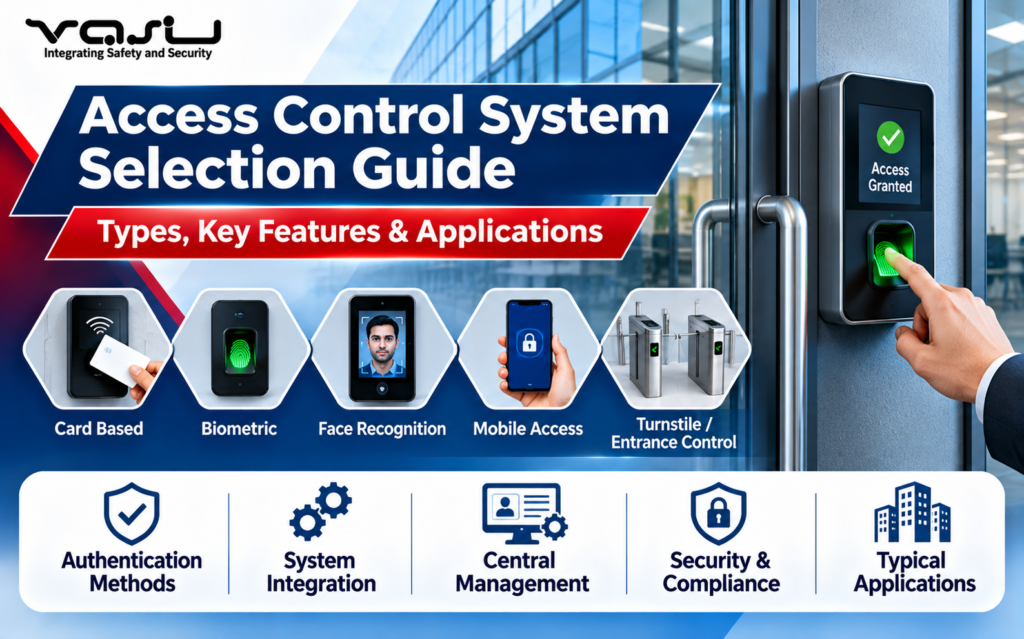
Application Guide
Access Control System Selection Guide – Types, Features & Applications
Nov 2026
1. Introduction
An Access Control System is an electronic security solution designed to manage and monitor access to buildings, restricted areas and critical infrastructure. It allows authorised personnel to enter designated locations while preventing unauthorised access.
Selecting the right access control system requires consideration of security requirements, user capacity, authentication methods, door configuration, integration capabilities and operational requirements.
2. Scope & Applications
Access Control Systems are commonly implemented in:
- Data Centres and Server Rooms.
- Corporate Offices and Commercial Buildings.
- Airports and Metro Rail Stations.
- Industrial Plants and Manufacturing Facilities.
- Pharmaceutical Facilities.
- Power Utilities and Substations.
- Warehouses and Logistics Centres.
- Restricted and High-Security Areas.
3. Types of Access Control Systems
| System Type | Application |
|---|---|
| Card-Based Access | Employee and visitor access |
| Biometric Access | Fingerprint-based authentication |
| Face Recognition | Contactless identity verification |
| PIN-Based Access | Password-based entry control |
| Mobile Access | Smartphone-based credentials |
| Turnstile System | Controlled pedestrian entry |
| Vehicle Access Control | Parking and vehicle entry management |
4. Key Factors for System Selection
1. Authentication Method: Select card, biometric, PIN, mobile or multi-factor authentication based on security requirements.
2. User Capacity: Evaluate the number of employees, visitors and authorised users.
3. Door Configuration: Consider single-door, multi-door and high-security access requirements.
4. Controller Capacity: Verify the number of doors, readers and input/output points supported by the controller.
5. Communication Technology: Evaluate TCP/IP, RS-485, OSDP and other supported communication interfaces.
6. Security Features: Consider anti-passback, door-forced alarms, door-held-open alarms and access schedules.
7. Integration Capability: Check compatibility with CCTV, fire alarm, visitor management and IBMS/BMS systems.
5. System Components
| Component | Function |
|---|---|
| Access Control Reader | Reads access credentials |
| Biometric Reader | Authenticates users using biometric data |
| Access Controller | Processes access permissions |
| Electromagnetic Lock | Controls door locking |
| Exit Button | Enables authorised exit |
| Door Contact | Monitors door status |
| Access Control Software | Manages users and access permissions |
| Power Supply / UPS | Provides system power backup |
6. Design & Engineering Considerations
- Conduct a site survey and identify restricted areas.
- Prepare door-wise access control schedules.
- Determine reader and controller locations.
- Select suitable locking arrangements.
- Evaluate network connectivity and power requirements.
- Define access levels and user permissions.
- Plan emergency release and fire alarm interfaces.
- Consider cybersecurity and credential management.
- Coordinate with CCTV and other security systems.
7. Installation, Testing & Commissioning
Installation Requirements:
- Install readers and controllers at approved locations.
- Provide proper cable routing and termination.
- Install electromagnetic locks and door contacts.
- Verify power supply and UPS arrangements.
- Configure communication and network connectivity.
- Label equipment and prepare installation records.
Testing & Commissioning:
- Reader and credential verification.
- User access permission testing.
- Door locking and unlocking testing.
- Exit button and door contact testing.
- Door-forced and door-held-open alarm testing.
- Anti-passback testing, where applicable.
- Fire alarm interface and emergency release testing.
- Software and network communication testing.
- Preparation of commissioning reports.
8. Access Control System Selection Checklist
| Sr. No. | Verification Point |
|---|---|
| 1 | Security requirements identified |
| 2 | Site survey completed |
| 3 | Authentication method selected |
| 4 | Door-wise access schedule prepared |
| 5 | Reader and controller capacity verified |
| 6 | Locking arrangement selected |
| 7 | Network and power requirements checked |
| 8 | Emergency release arrangements reviewed |
| 9 | CCTV and fire alarm integration assessed |
| 10 | Cybersecurity requirements reviewed |
| 11 | Testing and commissioning completed |
| 12 | User and system documentation handed over |
9. Frequently Asked Questions (FAQs)
Q1. What is an Access Control System?
It is an electronic security system used to control and monitor entry to buildings and restricted areas.
Q2. Which access control technology is commonly used?
Card-based, biometric, PIN-based, face recognition and mobile credential technologies are commonly used.
Q3. What is the difference between biometric and card-based access control?
Card-based systems authenticate users through credentials, while biometric systems use physical or behavioural characteristics for authentication.
Q4. Can access control be integrated with CCTV?
Yes. Integration can associate access events with relevant video footage, subject to system compatibility.
Q5. Can access control be integrated with a fire alarm system?
Yes. Suitable interfaces can be designed to support emergency door-release functions in accordance with applicable fire safety requirements.
Q6. What is anti-passback?
Anti-passback is a security feature that prevents a credential from being reused in a manner that violates defined entry and exit rules.
Q7. Why is access control important in data centres?
It helps restrict entry to server rooms and other critical areas and provides access event records for security monitoring.
10. Conclusion
A properly selected Access Control System improves facility security, controls authorised entry and supports centralised access management. Effective implementation requires appropriate authentication technology, reliable hardware, network planning, system integration and comprehensive testing.